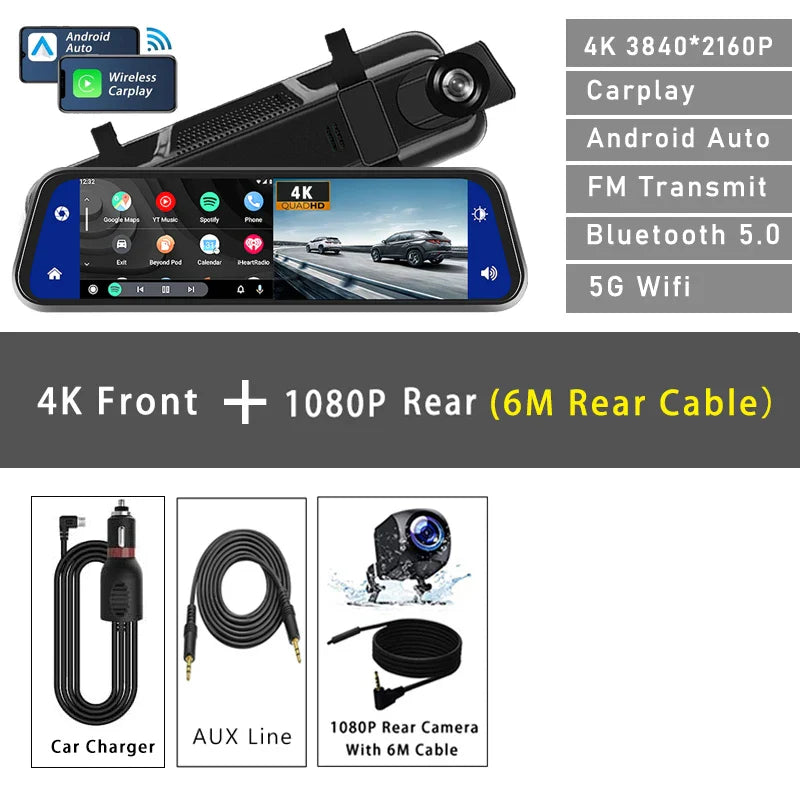
10" Dash Cam 4K 3840*2160P Car Dvr Carplay Android Auto GPS 5G WIFI AUX Stream RearView Mirror Dashcam Camera Drive Recorder FM
10" Dash Cam 4K 3840*2160P Car Dvr Carplay Android Auto GPS 5G WIFI AUX Stream RearView Mirror Dashcam Camera Drive Recorder FM
✅ Made In USA
✅ Quick Delivery
✅ Cruelty Free
BUNDLE & SAVE
Couldn't load pickup availability
-
Ordered
- - -
Order Ready
- - -
Delivered

10" Dash Cam 4K 3840*2160P Car Dvr Carplay Android Auto GPS 5G WIFI AUX Stream RearView Mirror Dashcam Camera Drive Recorder FM
SPECIFICATIONS
APP Compatibility: Viidure
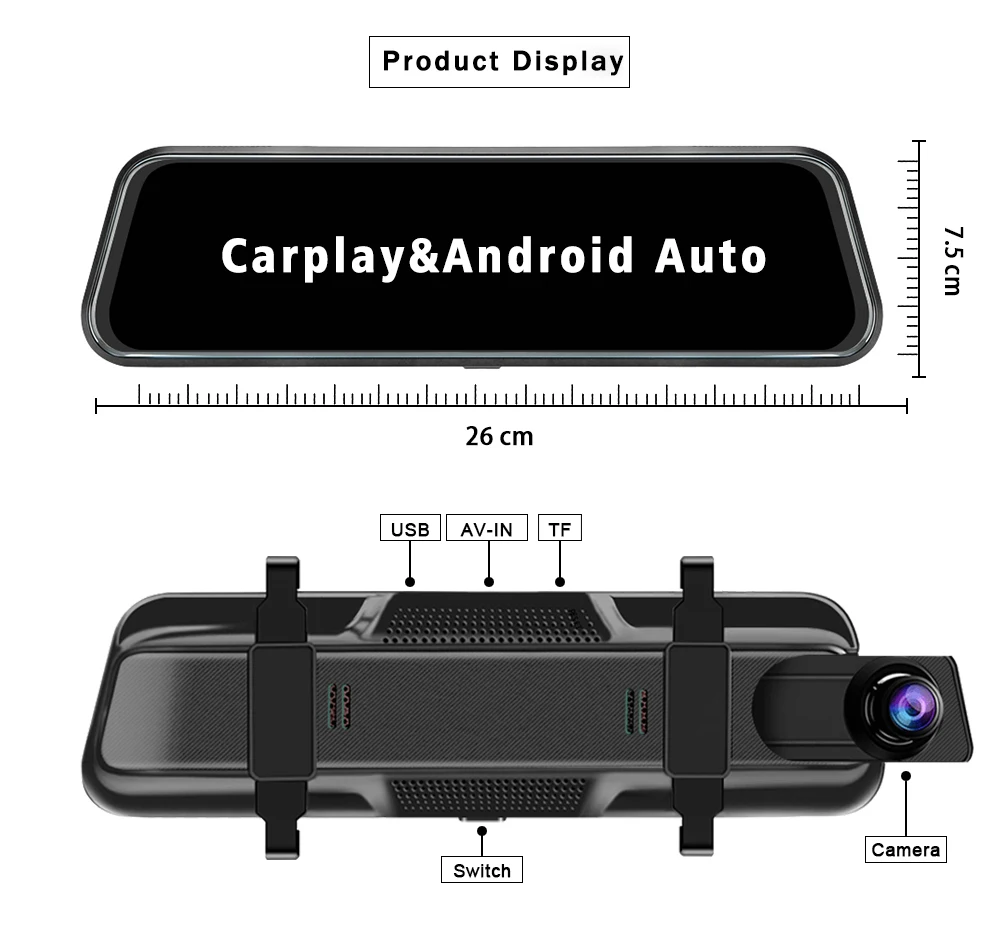
Assembly Mode: Rearview Mirror
Audio Recorded: Yes
Battery: Built-In
Brand Name: OLESED
Built-in Screen: Yes
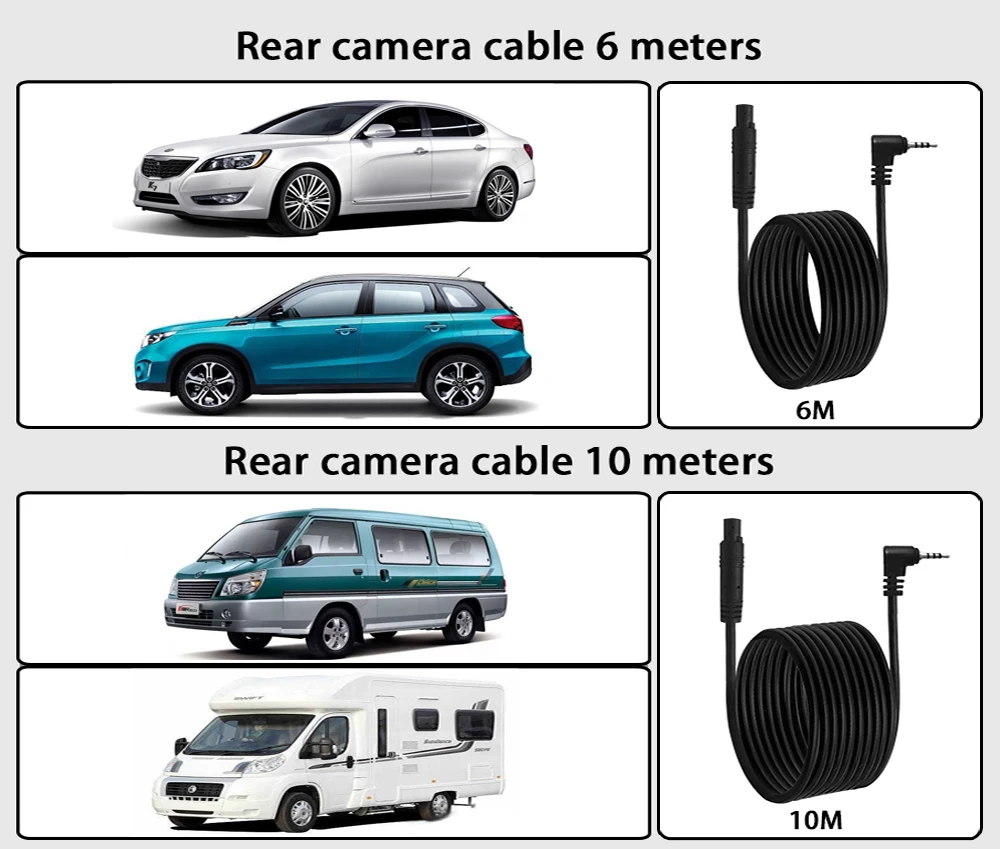
Cable Length: 6M/10M
Camera Resolution: 3840x2160
Chipset Manufacturer: Allwinner
Choice: yes
Display: IPS
Display Size: 10
Frames Per Second: 30
GPS logger: NONE
High-concerned chemical: None
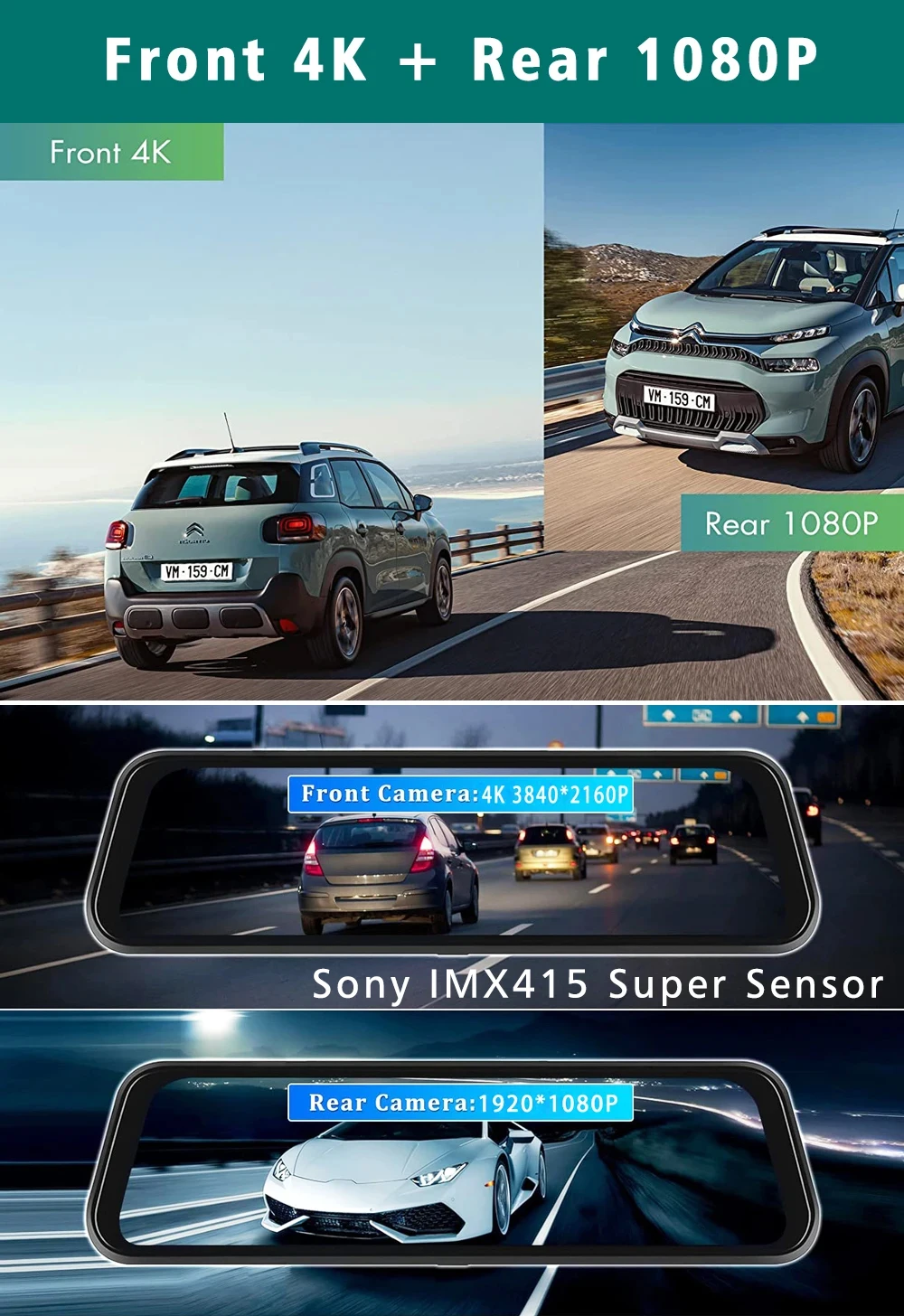
Imaging Sensor: SONY IMX415
Interface: AV-In,Bluetooth,HDMI,Wi-fi,Micro SD/TF
Is Batteries Included: no
Item Type: Car DVR
Loop-Cycle Recording Feature: Yes
Max External Memory: 256G
Memory Card Required Reding Speed: Class 10
NightShot Function: Yes
Number Of Lenses: 2
OSD Language: Arabic,Chinese (Traditional),czech,Dutch,English,French,German,Hebrew,Italian,Japanese,Korean,Polish,Portuguese,Russian,Spanish,THAI,Turkish
Origin: Mainland China
Original Package: Yes
Pixels: 1800Mega
Power Source: Corded electric
Rear Camera: Yes
Special Features: Display Rotate,Digital zoom,sd/mmc card,With Rearview Mirror,Anti Surge Voltage Impact,Anti Fog,Anti Vibration,Real Time Surveillance,Automatic White Balance,Wide Dynamic Range,wifi function,Bluetooth,Voice Control,Parking Monitor,Speed and Coordinates Recording,3D DNR,External GPS
Touch Screen: no
Video Format: TS
View angle: 170
Attention:
Non original rearview cameras may not be compatible with our product. If you require rearview camera functionality, please make sure to select the option with a rearview camera.
Language Support:
English, Chinese, Korean, Japanese, Portuguese, Polish, Spanish, Arabic, French, German, Italian, Hebrew, Russian, Turkish, Czech, Dutch.
Memory Card Support: 32G/64G/128G/256G
Due to the fact that DVR is a 4K high-definition recording high-speed storage, please make sure to use high-quality U3 grade C10 high-speed brand memory cards. Some ordinary and inexpensive memory cards may not function properly.
About Formatting The Memory Card:
When installing a memory card for the first time, be sure to format the memory card on the DVR. After formatting, the DVR can correctly match the memory card.
Formatting Steps: After installing the memory card, please enter the DVR menu, find the format option, and click to format the memory card(Important: Formatting the memory card on the computer is an incorrect operation. Please be sure to format the memory card on the DVR's menu option.)
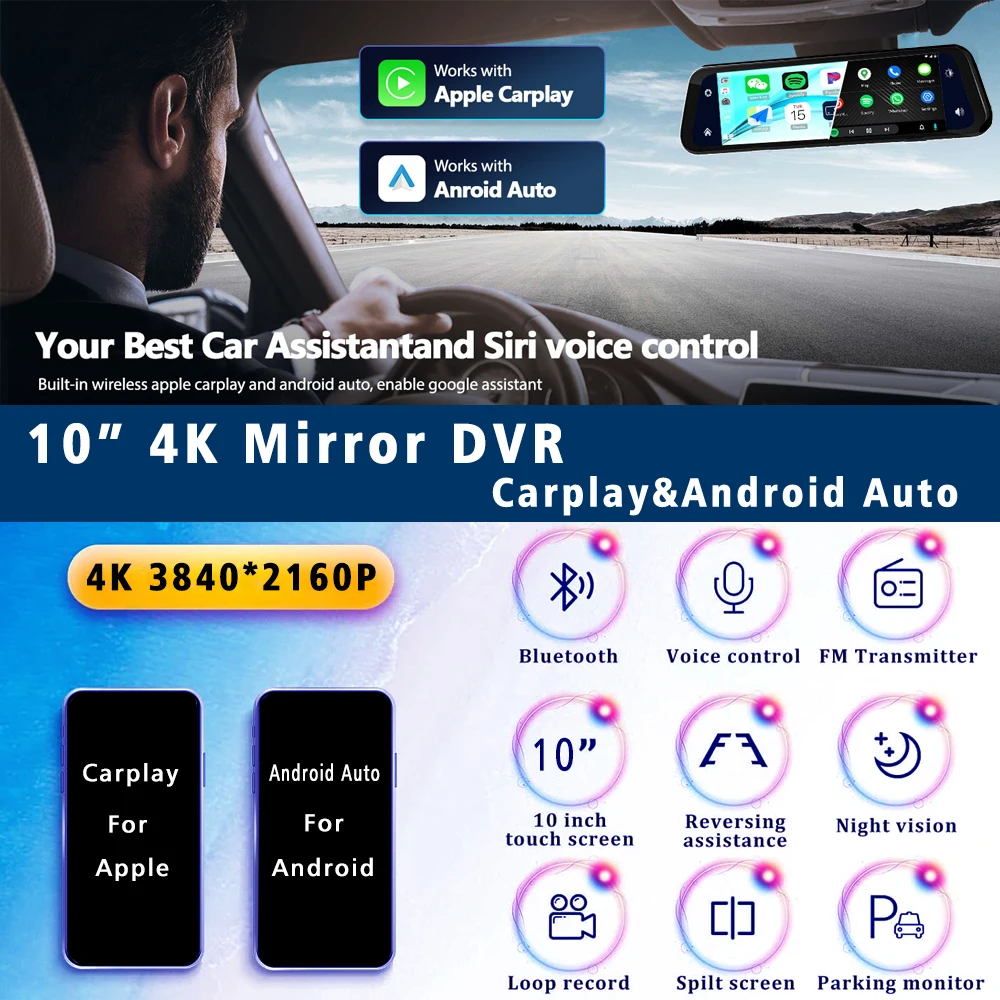
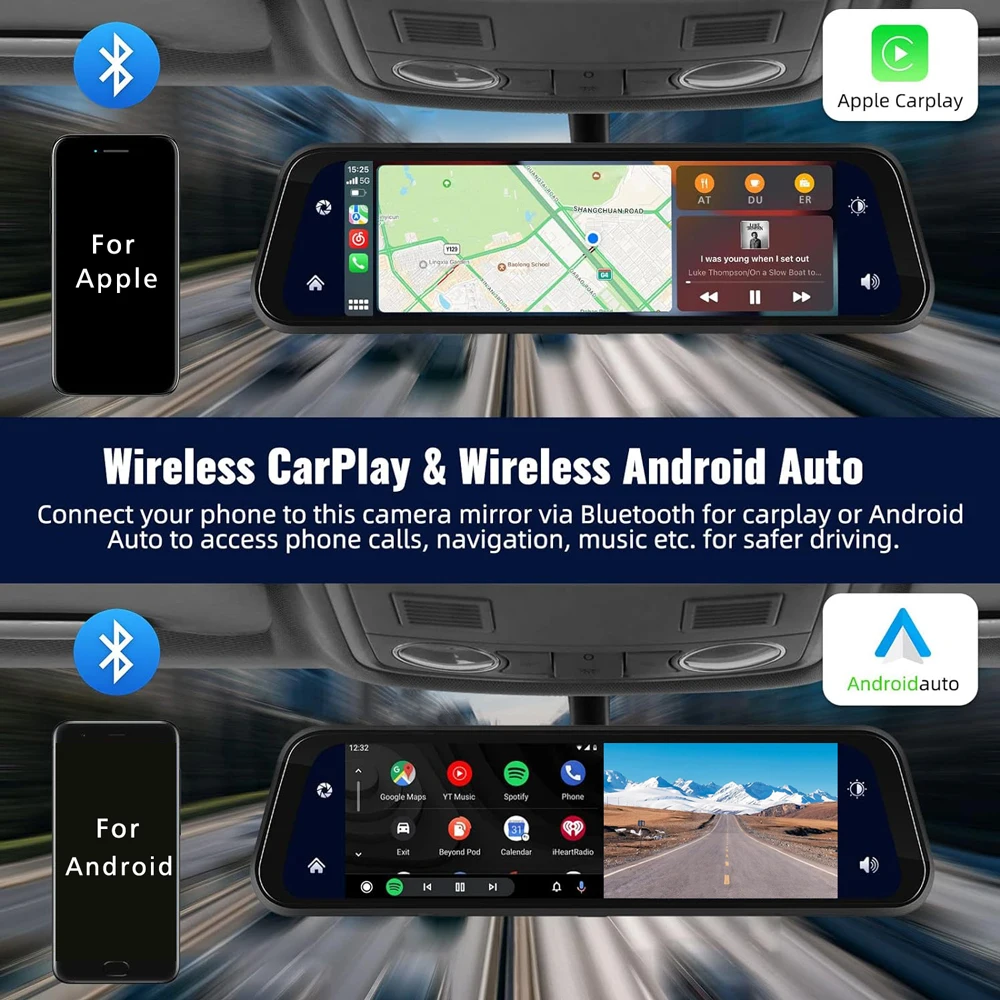
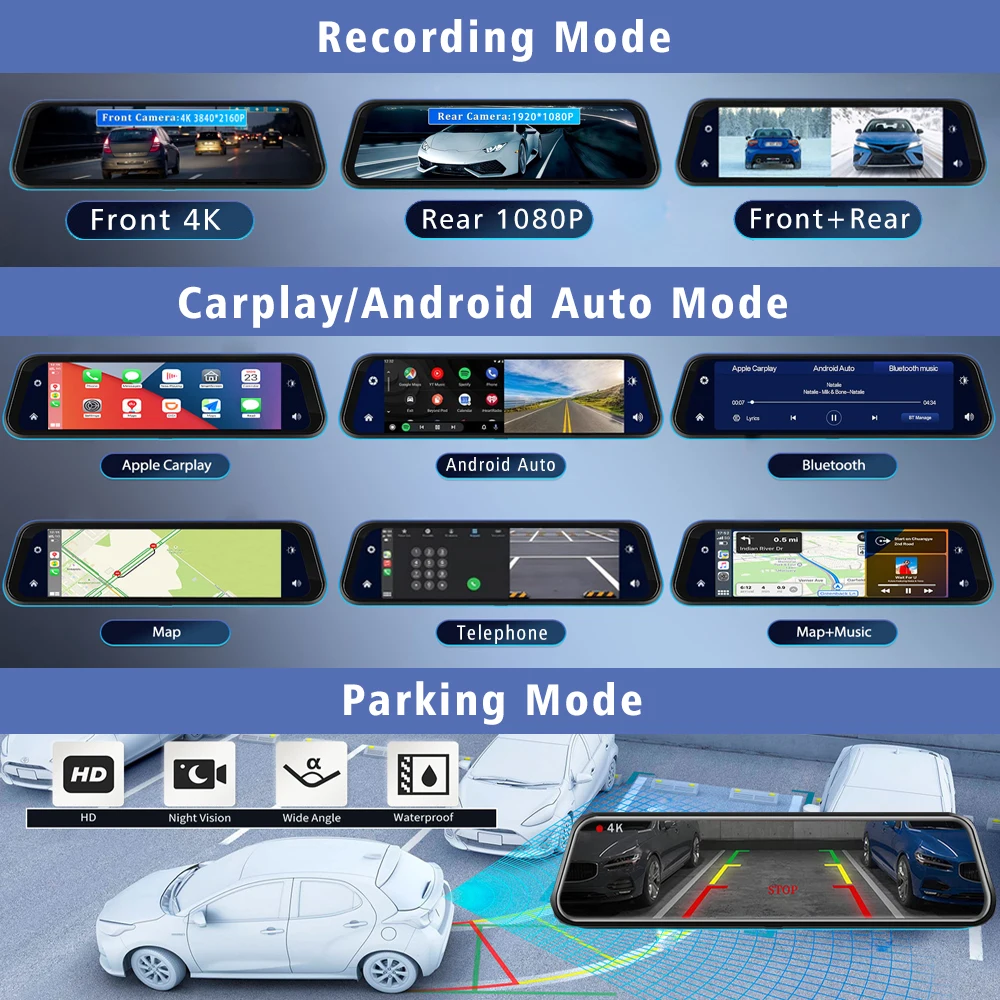
About The Connection Of Carplay And Android Auto:(1) If it is an Apple phone, the DVR needs to choose the Carplay connection method as the connection method, and the Carplay software installed on the Apple phone can directly connect to the DVR through the Carplay function;(2) If it is an Android system phone, the DVR needs to select Android Auto as the connection method, and then use the Android Auto software downloaded from the Google App Market on the phone to connect to the DVR.
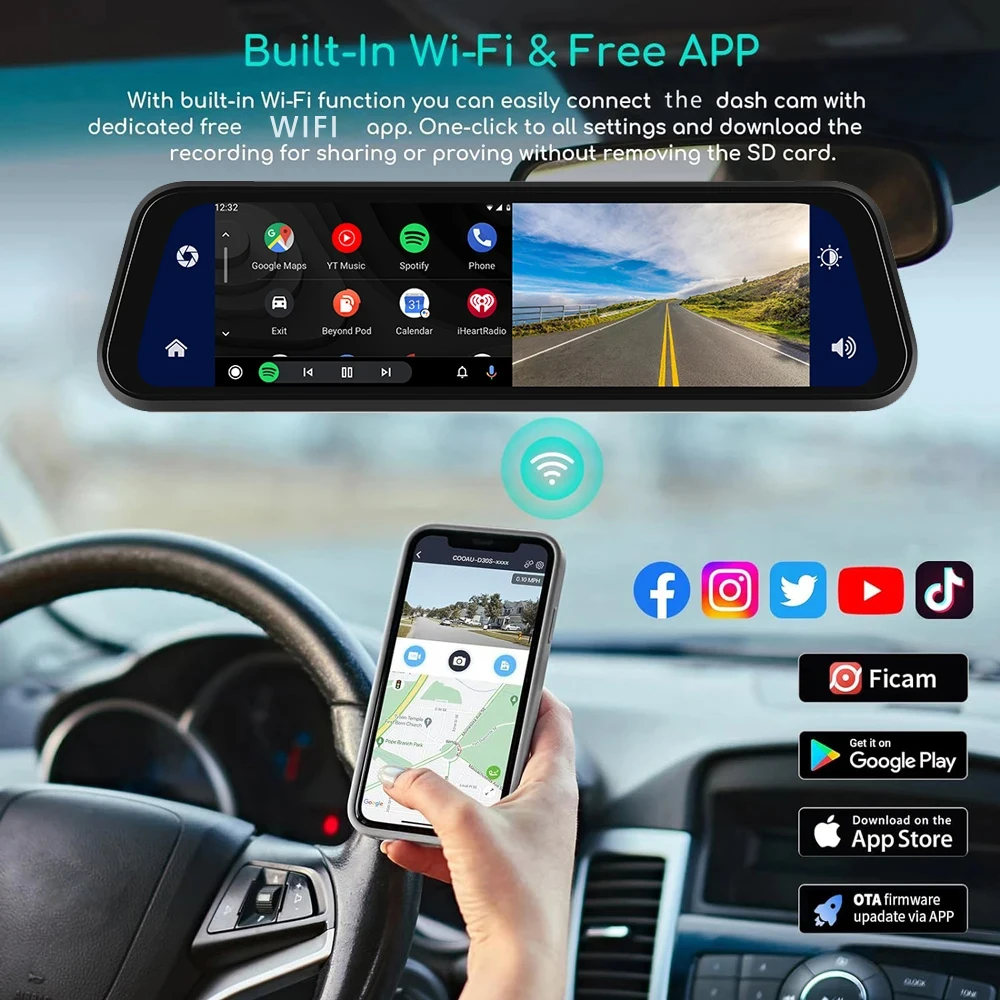
About WIFI Connection:
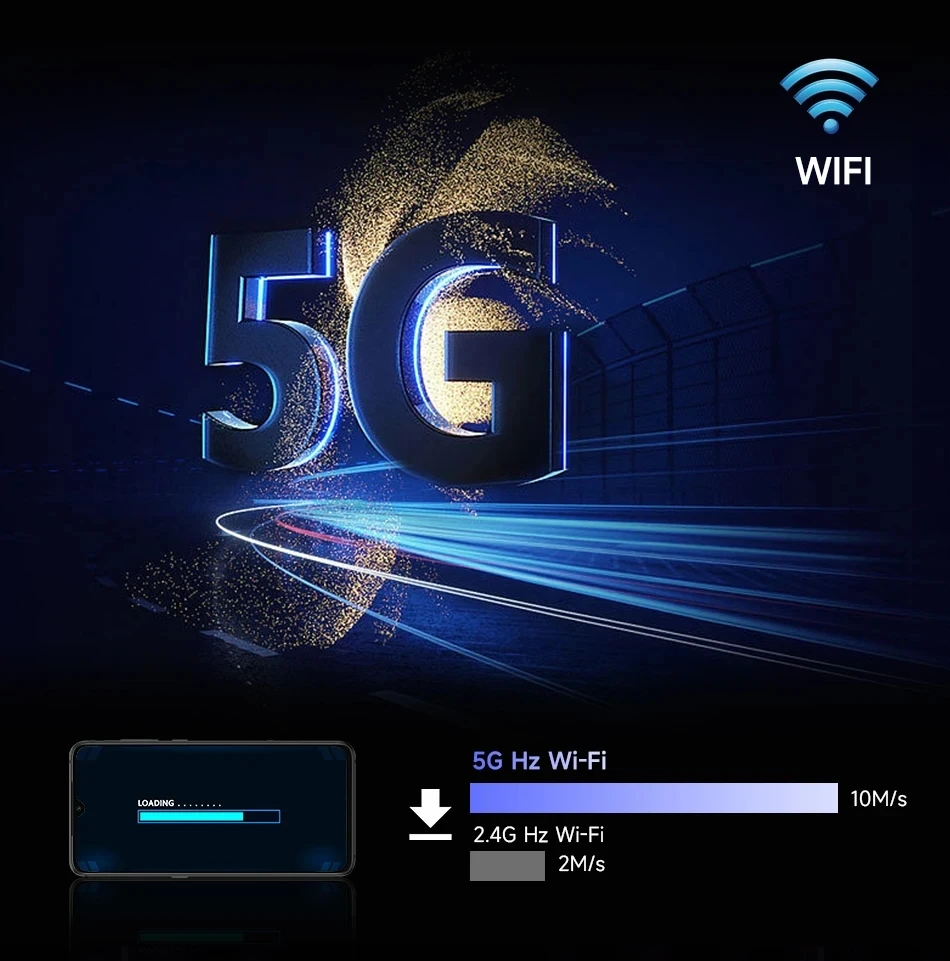
Before connecting to the DVR on the phone, it is necessary to install the WIFI connection app "Viidure" in advance.You can search for "Viidure" installation in the Apple App Store or Google App Market.
Steps:
(1) In standby mode, enter the DVR menu and enter the WIFl setting menu;
(2)In the wifi menu of the DVR, check to obtain the wifi SSID name and password;
(3)Open the "Viidure" APP on your phone, enter the configuration mode, turn on the wifi function of the phone, follow the prompts to find the SSID wifi signal of the DVR and enter the password to connect;
(4)After successful configuration, you can connect and operate the DVR through the "Viidure" APP.
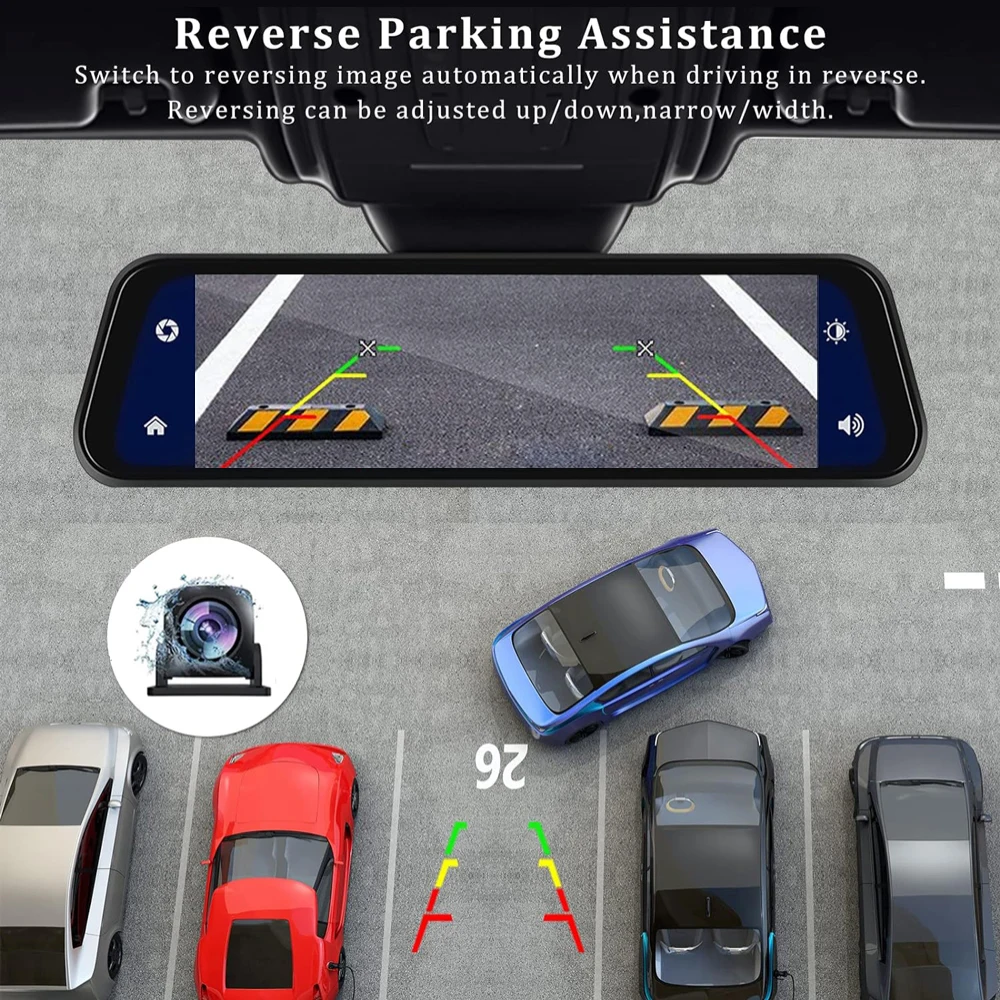
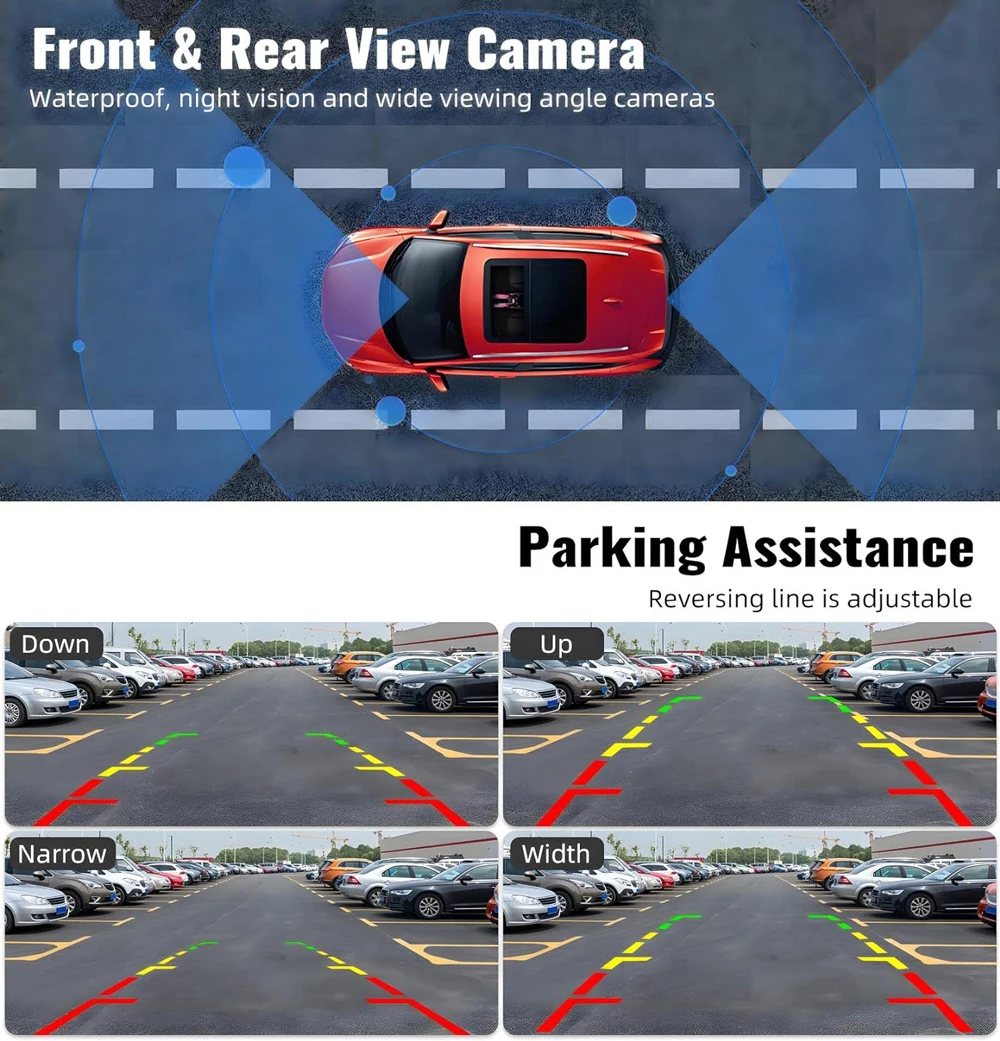
About The Reversing Assist Function:
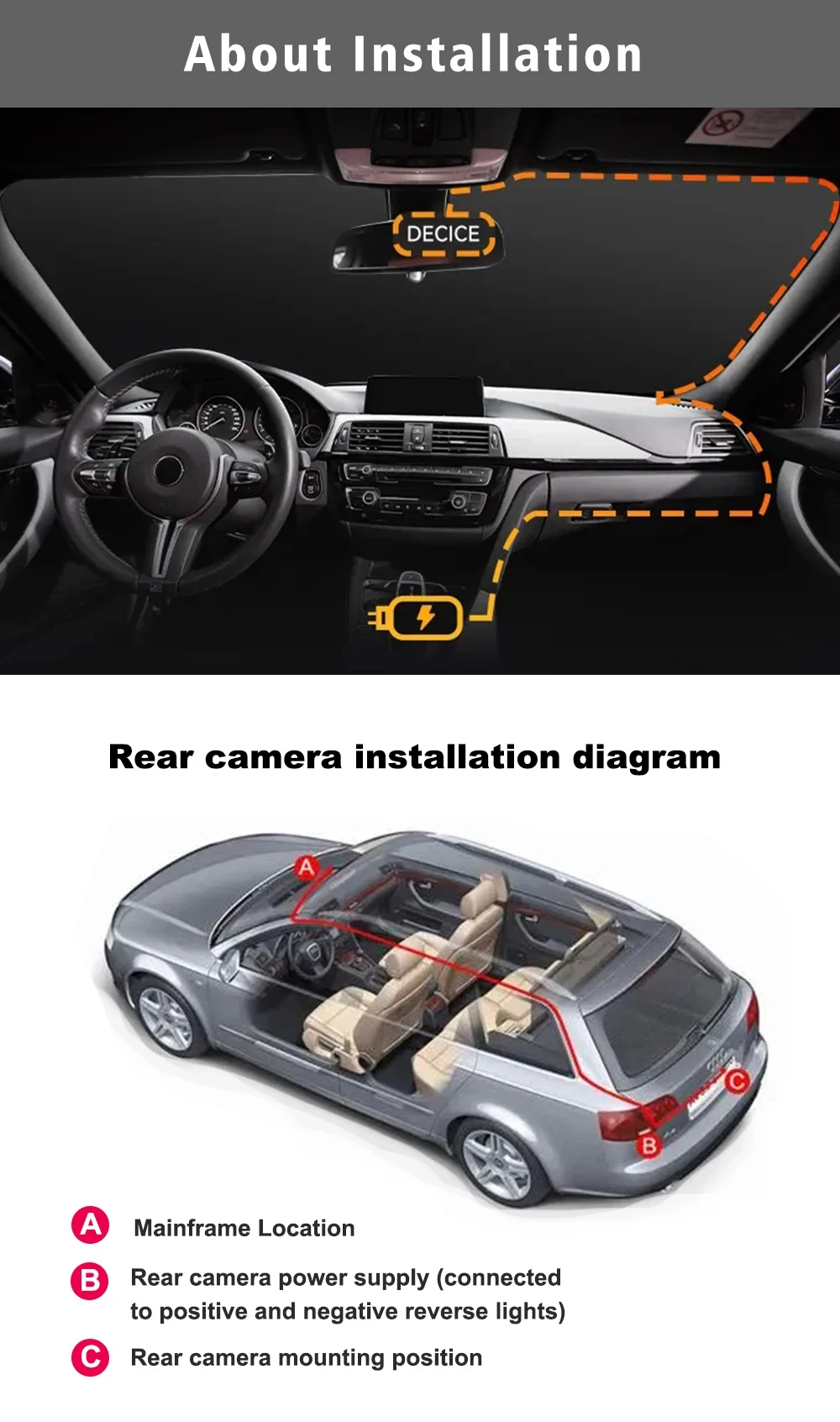
If the kit you ordered includes a rearview camera and you need to implement the reversing assist function, you need to connect the red signal wire of the rearview camera to the car's reversing light (the light will come on when reversing). If you don't need the reverse assist function, just disconnect the red signal wire and leave it unconnected.
About 24-Hour Parking Monitoring:
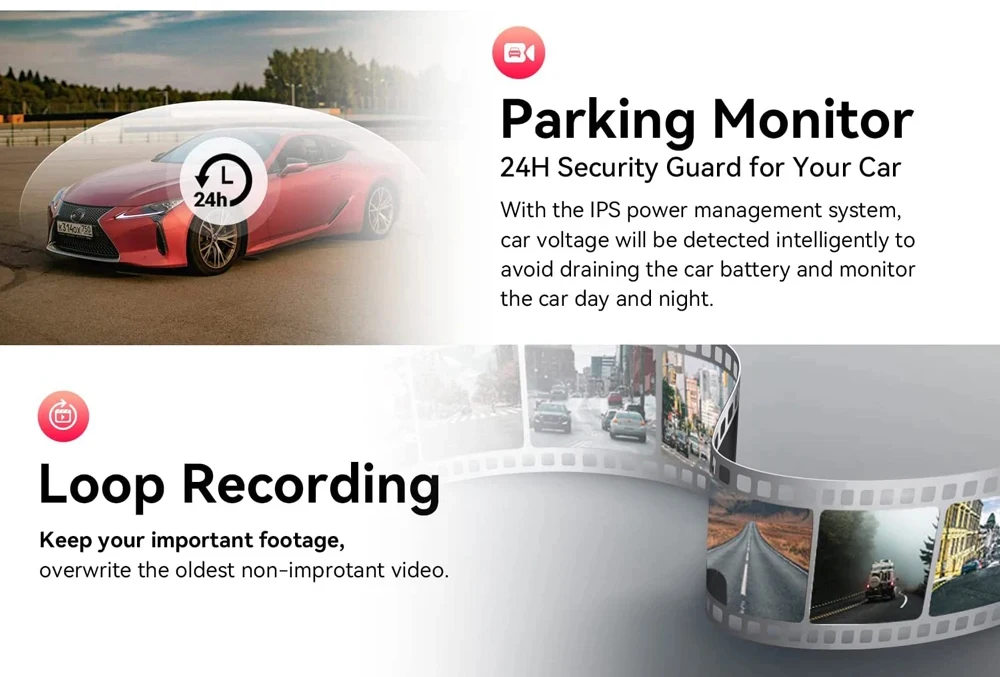
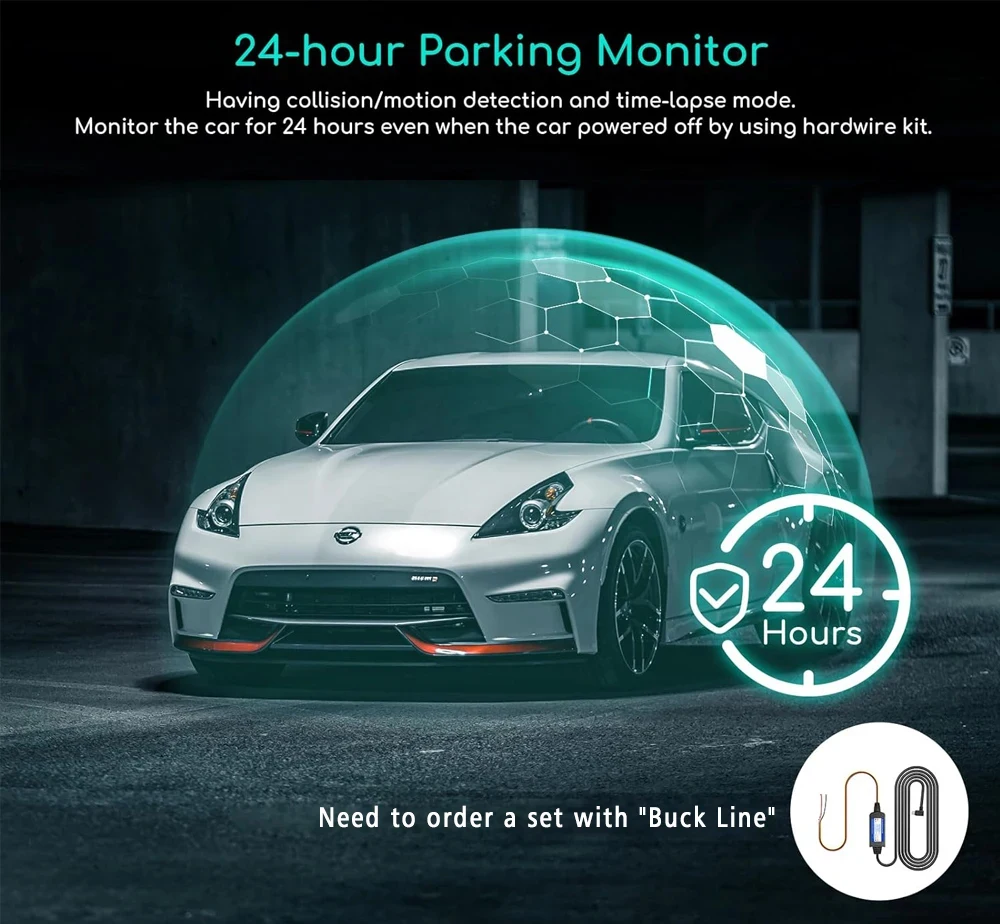
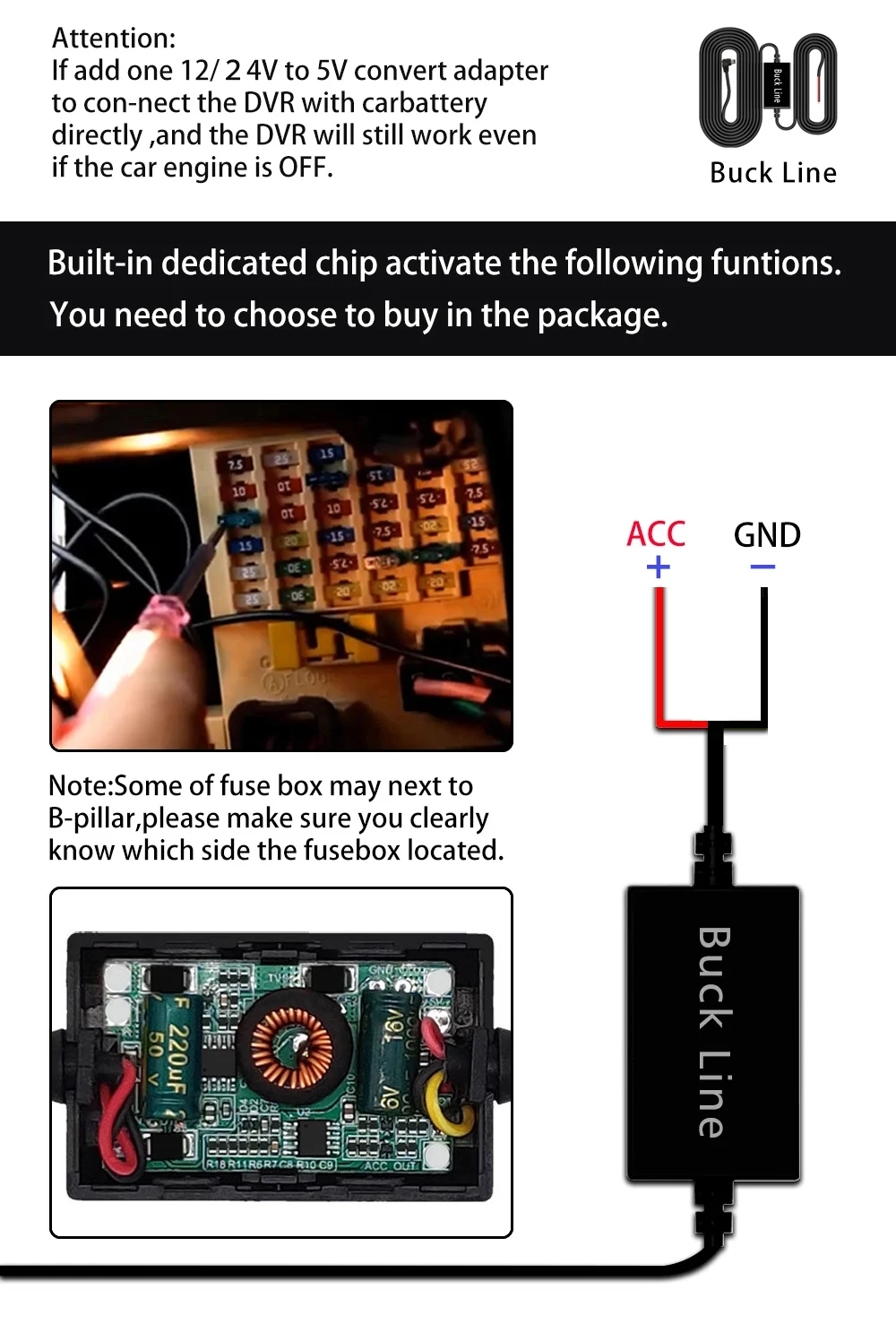
If you need the 24 hour parking monitoring function, you can order the corresponding Buck Line accessories to replace the car charger.Through Buck Line, the DVR power can be obtained directly from the car battery or car ACC, so that the DVR can maintain normal recording work even when the car is turned off.(Since different car models have different battery interfaces or ACC interfaces, it is not recommended to install it by yourself. It is recommended to find a professional to install the Buck Line.)
About The Installation And Use Of GPS(Optional):
1. Connect the GPS module to the DVR and turn on the GPS function in the DVR menu settings;
2. Install the DVR on the car and start the recording mode. Start the car outdoors and drive for a certain distance. The GPS module will automatically capture the satellite signal and the DVR will automatically record the video with the GPS driving track.
Video Playback Of GPS Tracks:
1. Install the GPS dedicated video player "Hit GPS Player" on your computer. Please enter the link below in your computer browser to download and install;
Download link: https://pcgps.ce2ce.com/hit/hitplayer.html
2. Open the recorded DVR video with GPS track information on the computer through "Hit GPS Player" to play back the GPS driving track.
About the length of the rear view camera cable:



Collapsible row
Collapsible row